Industrial monitors and touch displays for HMI and automation
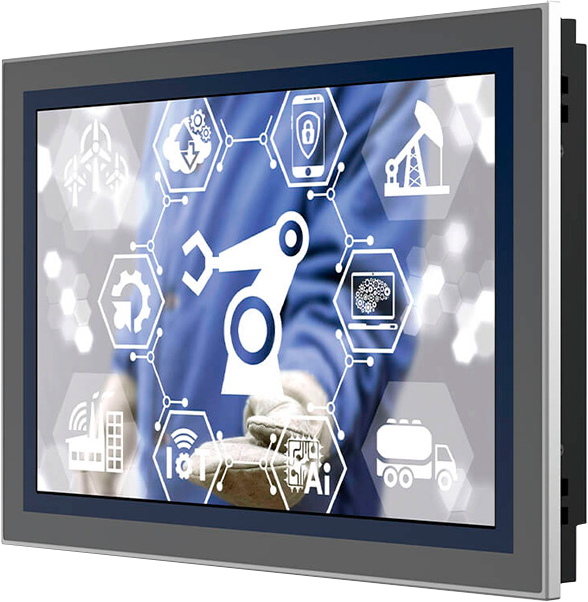
Nord Technology offers industrial monitors and touch displays for professional installations where reliable operation, rugged construction, and long service life are essential. Our range includes compact HMI monitors, industrial touch displays, Full HD monitors, rackmount monitors, and specialized models with features such as high brightness and NVIS support.
Industrial monitors are typically used together with an industrial PC, Box PC, embedded computer, or another external computing platform, making them well suited for automation, machine control, process control, production equipment, transport, and industrial control systems.
Note: The products shown here represent only a selection of our overall range.
The models shown are selected representatives of different product series and application areas. Through our supplier network, we can offer additional screen sizes, touch technologies, video inputs, mounting options, brightness levels, and IP ratings.
Industrial monitors for HMI and machine control
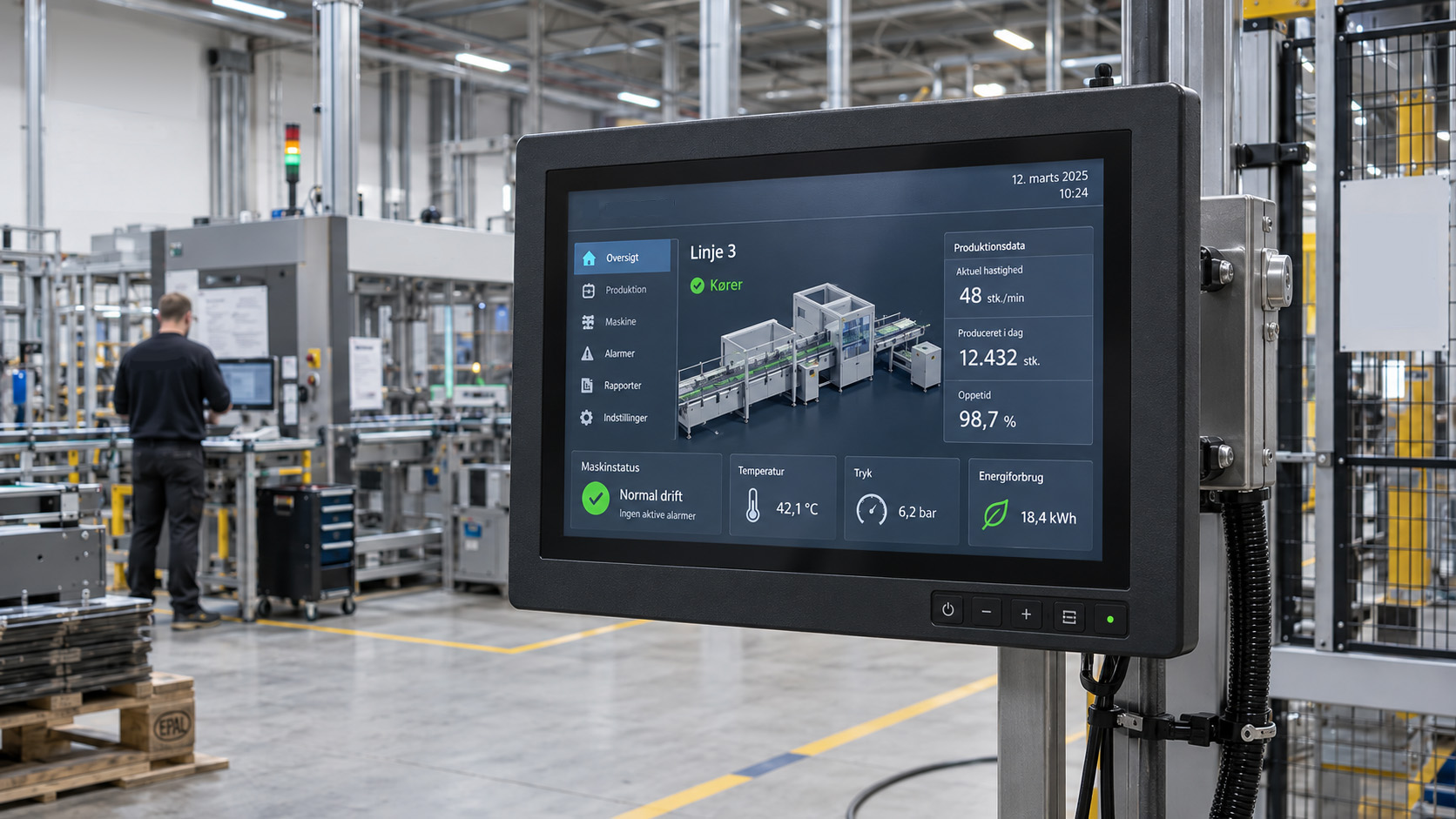
An industrial monitor is designed for installations where standard computer displays are often not sufficient. This may include a touch monitor mounted in a production machine, an HMI display for process control, or a rackmount monitor in a control system.
Unlike a Panel PC, an industrial monitor does not include an integrated computer. Instead, it connects to an external industrial PC or embedded platform via interfaces such as HDMI, DisplayPort, DVI, or VGA. This provides flexibility, as the display and computer can be selected and replaced independently.
AI-generated image
Capacitive or resistive touch
The choice of touch technology should match the operating environment.
Projected capacitive touch, often referred to as PCAP, provides precise and responsive operation and can support multitouch on selected models. This makes the technology well suited for modern HMI systems.
5-wire resistive touch responds to physical pressure and can therefore be operated with a finger, gloves, or a stylus. This makes resistive touch a relevant choice for many industrial machines and traditional HMI applications.
Several monitor series are available with both touch technologies.
Multiple screen sizes and formats
Industrial monitors are available in many sizes and aspect ratios. Compact 10.1″ and 10.4″ models are often used for machine control and smaller HMI panels, while classic 15″ 4:3 monitors remain relevant for existing machinery and process control.
For newer systems, 15.6″ Full HD widescreen monitors can be an excellent choice, while larger 17″, 19″, 21.5″, and 23.8″ displays provide more space for SCADA, process data, and operator interfaces.
The sizes shown here are only examples, and several series are available in other formats.
HDMI, DisplayPort, DVI, and VGA
The choice of video interface is important, especially when the monitor needs to be connected to existing equipment.
Depending on the model, industrial monitors may be available with HDMI, DisplayPort, DVI, and VGA. Some monitors support multiple interfaces at the same time and can therefore be used with both older industrial computers and newer Box PC and embedded platforms.
IP protection and rugged environments
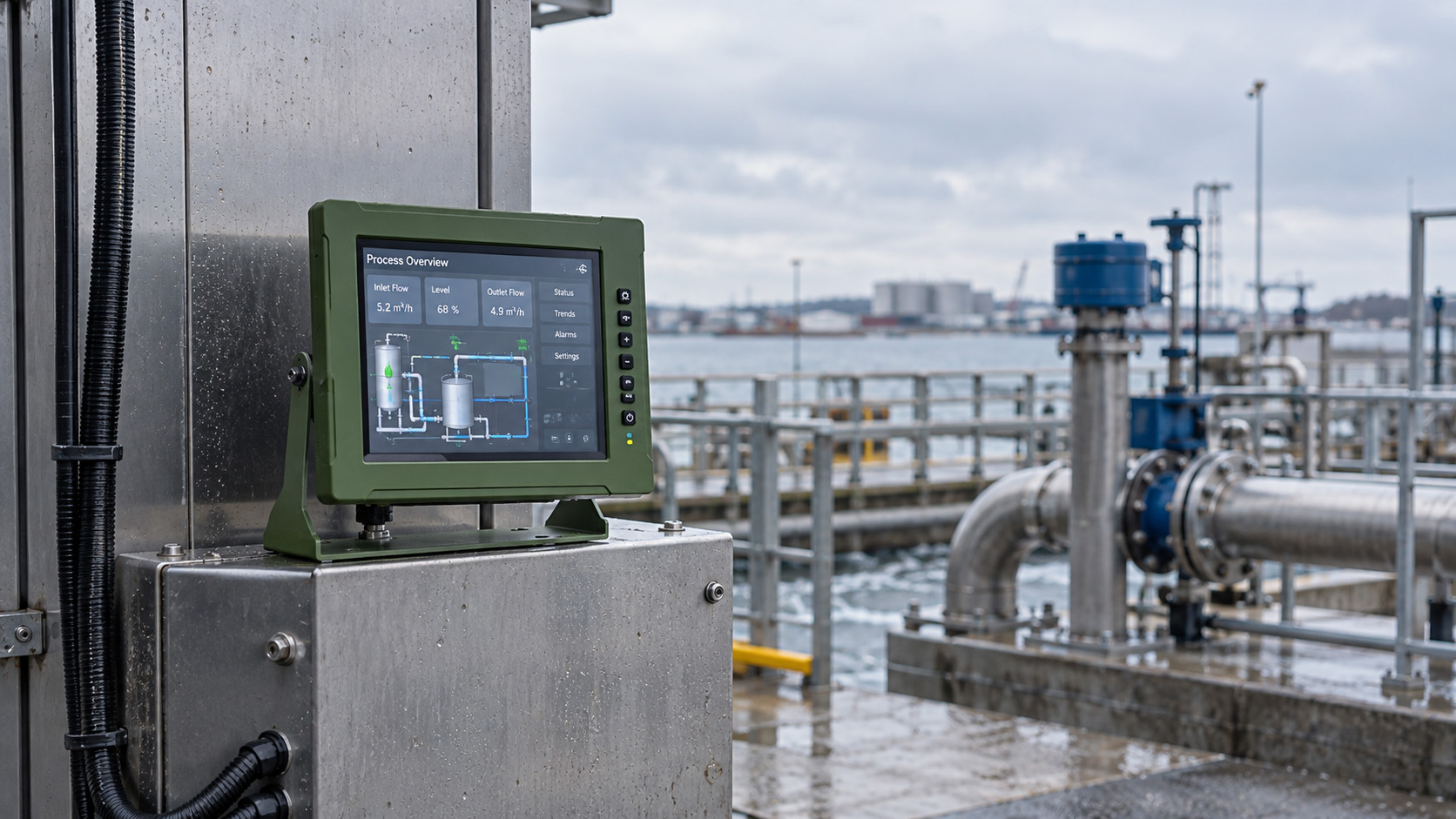
Many industrial monitors feature an IP-protected front, such as IP65 or IP66. This provides protection against dust and water exposure from the front and is particularly relevant when the monitor is installed in machines and control panels.
For more demanding environments, models are also available with wide operating temperature ranges, high-brightness displays, and extra rugged construction.
NT-IMON-104 is one example of a specialized model with IP65/NEMA 4X protection, an operating temperature range from -30 °C to +70 °C, brightness of up to 1,000 nits, and an NVIS-compatible night mode.
AI-generated image
Panel mount, VESA, and rackmount
Industrial monitors can be mounted in several ways.
Panel mount is typically used for integration into machines and control panels. VESA mounting allows the use of arms, wall brackets, or custom brackets, while rackmount monitors are designed for standardized 19″ rack installations.
This makes it possible to choose a solution that matches both the mechanical and functional requirements of the installation.
For new and existing systems
An industrial monitor can be used both in new systems and for upgrading existing production equipment.
When replacing an older display, it is important to consider physical size, panel cut-out, resolution, aspect ratio, video interface, touch technology, and power input.
For new systems, the selection can more often be based on the desired resolution, PCAP multitouch, HDMI/DisplayPort, brightness, and mounting method.
How to choose the right industrial monitor
When selecting an industrial monitor, you should especially consider:
- Screen size and resolution
- Capacitive or resistive touch
- Brightness and ambient lighting conditions
- HDMI, DisplayPort, DVI, or VGA
- IP protection
- Panel, VESA, or rack mounting
- Power input and voltage range
- Operating temperature and environment
At Nord Technology, we are happy to help you find the right industrial monitor for your installation, operating environment, and the computer platform it needs to connect to.
Show less
-
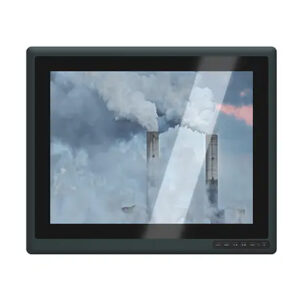
ALAD-151T – 15″ Industriel HMI Touch Display
Classic 15" industrial HMI monitor with 1024 × 768, HDMI/VGA, IP65 front and 10–30 V DC. Available with resistive or capacitive touch.Read more -
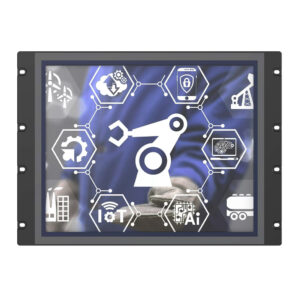
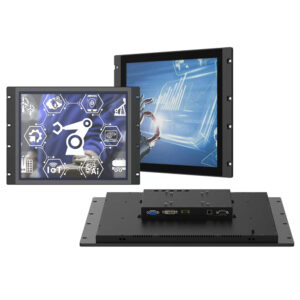
TM-RC190 – 19″ Industriel Rackmount Touch Monitor
19" industrial rackmount monitor with 1280 × 1024, PCAP touch and VGA/DVI, designed for racks, control cabinets and operator consoles.Read more -
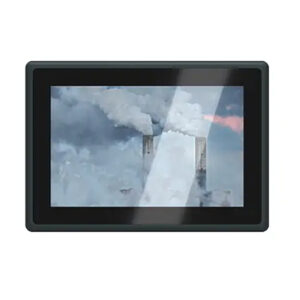
ALAD-101T – 10.1″ Industrial Touch Display
Compact 10.1" industrial touch monitor with 1280 × 800, HDMI/VGA, IP65 front and 10–30 V DC. Available with resistive or capacitive touch.Read more -
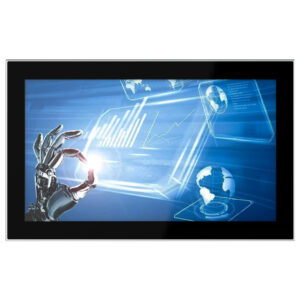
TM-PCA156H Industrial Touch Monitor
Modern 15.6” Full HD industrial monitor with 10-point PCAP touch, VGA, DVI, HDMI, and DisplayPort for HMI, machinery, and automation.Read more -
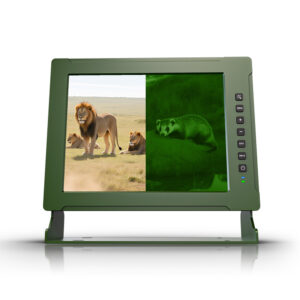
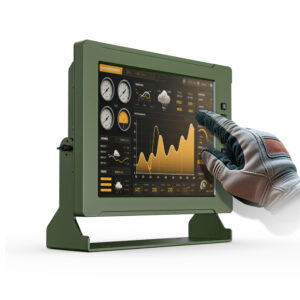
Industrial Touch Monitor – NT-IMON-104
Rugged 10.4" high-brightness touch monitor with up to 1,000 nits, NVIS-compatible night mode below 0.03 nits, IP65/NEMA 4X protection and operation from -30 to +70 °CRead more -
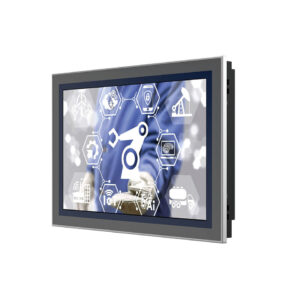
TM-PR101 Industrial Touch Monitor
Robust 10.1” industrial touchscreen with IP65 front, resistive touch, VGA/DVI and wide voltage input – ideal for automation.Read more
Showing all 6 results


All Categories
Edge Computere
SBC | SoM
IoT Gateways
Industrial Panel PC

Industrial Monitors